
Most Shopify stores are not losing sales because of traffic problems. They are losing them because they have no visible trust layer when buyers hesitate. Imagine you have a great product. Your Shopify store looks clean. Orders are coming in. But something is still costing you sales and most store owners do not even realize it until they check their bounce rate.
That something is social proof.
And the fastest, most scalable way to build it? Email templates.
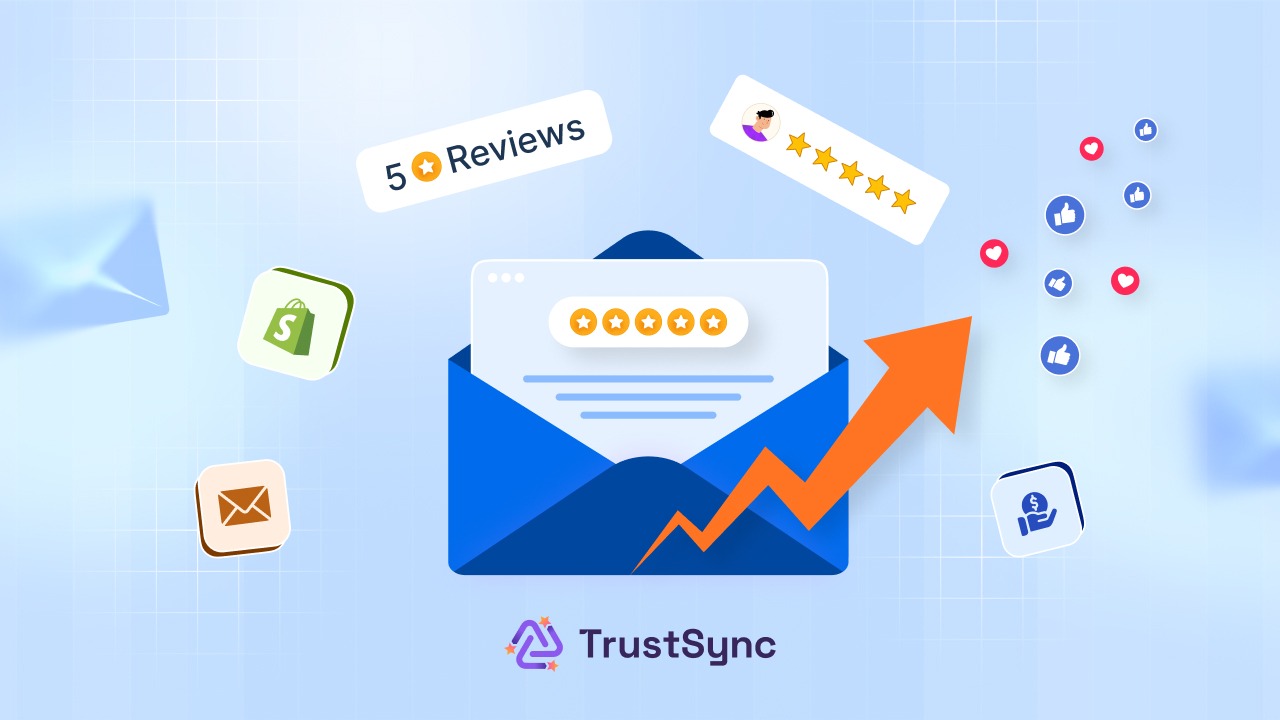
In this guide, we will break down exactly how to use Shopify review request email templates to collect customer reviews consistently, strengthen your store’s credibility, and turn every happy buyer into your most powerful marketing tool.
What Is Social Proof and Why Does It Matter for Shopify?
Social proof is the psychological trigger that makes people trust what others have already validated. In eCommerce, it shows up as customer reviews and star ratings on platforms like Google, Trustpilot, Facebook, Yelp, Etsy & more.
In Shopify, social proof is not just influence; it is validation at the final decision stage. Here is why social proof on Shopify is non-negotiable in 2026:
- 93% of customers read product reviews before making a purchase
- Nearly 70% of shoppers only leave reviews when they are directly asked
- Shoppers searching for your brand are simultaneously checking Google reviews, Trustpilot, and Facebook; if they find nothing, they move on to a competitor
- Stores with consistent, recent reviews do not just build ecommerce trust signals; they rank higher in search, get more clicks, and convert at a significantly higher rate
The problem most Shopify store owners face is not a lack of happy customers. There is a lack of a system to capture what those customers think. That is exactly where email templates for Shopify social proof come in.
Why Email Outperforms Every Other Review Collection Channel
You could post a review request on Instagram. You could add a banner to your homepage. But when it comes to collecting reviews with email automation on Shopify, nothing else comes close. Here is why:
- It is personal. A well-written Shopify customer review email lands directly in your customer’s inbox, addressed to them by name, shortly after their purchase. It feels like a one-on-one conversation, not a broadcast to thousands.
- The timing is right. A properly timed post-purchase email review request catches customers when their experience is still fresh and positive. This is the exact window when they are most willing to share it.
- It scales without effort. With the right automated review collection Shopify app, you can send hundreds of personalized review requests every week without lifting a finger after the initial setup.
- It is measurable. Unlike social posts or popups, Shopify email open rates and click-through data tell you exactly what is working and what needs adjusting. According to recent benchmarks, post-purchase emails achieve 60–70% open rates, making them one of the highest-performing email flows any Shopify store can run.
The Anatomy of a High-Converting Shopify Review Request Email Template
Not all Shopify review request email templates deliver the same results. The ones that consistently generate reviews share these five elements:
1. A Subject Line That Gets Opened
Your review request subject line is the single most important part of the email because if it does not get opened, nothing else matters. The best ones are short, warm, and curiosity-driven:
- “How did we do, [First Name]?”
- “Your opinion matters to us 🌟”
- “Got a minute? We’d love your feedback.”
- “[First Name], how’s your [product name] treating you?”
Avoid generic lines like “Leave Us a Review.” They feel transactional, signal automation, and get ignored.
2. A Warm, Human Opening
Do not jump straight to the ask. Thank the customer genuinely first. Opening with something like “We hope your [product name] has been everything you expected” makes the email feel personal even when it is part of an automated flow.
3. A Single, Clear Ask
Do not give your customer three things to do. Make one ask, link to one platform, and make the path frictionless. The simpler the action, the higher the conversion on your Shopify review automation.
4. An Embedded Star Rating Prompt
Placing a clickable star rating visual (⭐⭐⭐⭐⭐) directly inside the email body works extremely well. Customers click the star that matches their experience and are taken straight to the review page: zero friction, zero second-guessing.
5. Fully Branded Design
To customize your Shopify email templates for maximum impact, send from your business domain rather than a generic app address. Use your logo, brand colors, and tone of voice. A branded email not only builds Shopify store credibility, but it also avoids spam filters.
5 Email Template Strategies to Build Social Proof Fast
Here are five proven social proof email strategies for Shopify that you can put into action today:
Strategy 1: The Negative Review Intercept
When to send: Triggered when a customer selects a low star rating (1–3 stars) in the email
Goal: Protect your brand through proactive negative review management on Shopify
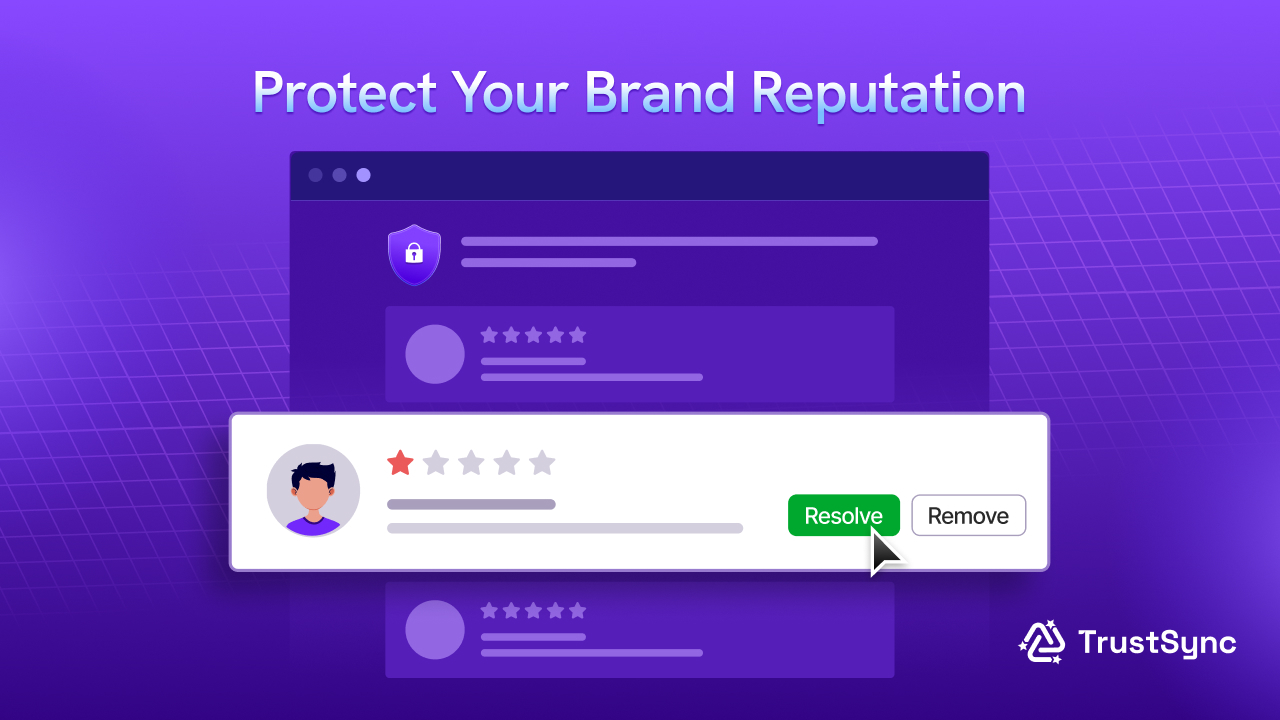
This is one of the most valuable yet most overlooked elements of any social proof email strategy for Shopify. When a customer clicks a low star rating in your email, instead of being sent directly to a public review page, they are routed to a private channel where you can resolve the issue first.
Template:
Subject: We want to make this right, [First Name]

Hi [First Name],

We noticed your recent experience with us may not have met your expectations — and we're genuinely sorry about that.

We'd love the chance to make it right. Could you reply to this email and let us know what went wrong? Our team is here and ready to help.

Your satisfaction matters more to us than any review. Let's fix this together.

[Your Store Name] Support Team
Why it works: Intercepting negative feedback before it goes public is smart online reputation management. More importantly, it demonstrates exactly the kind of care that turns a frustrated customer into a loyal one and a potential critic into a quiet advocate.
Strategy 2: The Loyal Customer Review Ask (Highest-Quality Social Proof)
When to send: When a customer places their 2nd or 3rd order
Goal: Leverage your most loyal customers for your most credible user-generated content on Shopify
Repeat buyers are your most credible reviewers. Their reviews are detailed, authentic, and carry the kind of weight that first-purchase reviews rarely do. Identifying repeat buyers and targeting them specifically is one of the most effective and underused Shopify review automation tactics available.
Template:
Subject: You're officially one of our favorites, [First Name] 💛

Hi [First Name],

We noticed this isn't your first order with us — and that genuinely means a lot to our team.

If you've been happy with your experience, we'd love for you to share it on [platform]. Reviews from loyal customers like you carry more weight than anything we could say ourselves.

[Share Your Story →]

Thank you for being part of what we're building.

[Your Store Name]
Why it works: Loyal customers feel valued by this acknowledgment and they are far more likely to write detailed, glowing reviews that genuinely increase Shopify conversions for future visitors.
Strategy 3: The Post-Purchase Review Request (Your Foundation)
When to send: 3–7 days after order fulfillment
Goal: Catch the customer at peak satisfaction, when their experience is fresh
This is the backbone of any Shopify review automation strategy. According to best practice data, sending a review request email 3–5 days after delivery gives you the best chance of a thoughtful, positive response (early enough that the memory is vivid, late enough that the product has actually been used).
Template:
Subject: How's your [product name] treating you, [First Name]? 🌟

Hi [First Name],

Thank you so much for your recent order! We hope [product name] has exceeded your expectations.

If you have a moment, we'd genuinely love to hear what you think. Your honest feedback helps other shoppers just like you make confident decisions — and helps us keep improving.

[⭐ Leave a Quick Review →]

It only takes 30 seconds. And it means the world to us.

Thank you, [Your Store Name]
Why it works: It is timely, personal, and frames the ask around helping others, not just feeding the brand’s ego. This kind of low-pressure nudge consistently outperforms pushy review requests.
Strategy 4: The Win-Back Review Request (For Past Customers)
When to send: To customers who purchased 30–90 days ago with no review left
Goal: Recover missed customer feedback emails from existing happy customers
Not every happy customer leaves a review right away. Many simply forget. A win-back email for reviews re-engages those customers without feeling intrusive (especially when the tone is honest and a little self-aware).
Template:
Subject: We never got to ask you this, [First Name]…

Hi [First Name],

It's been a little while since your order arrived, and we realized we never asked — how did it go?

If you've been enjoying [product name], we'd love for you to share that experience. A quick review on [platform] helps more people discover us — and takes less than a minute.

[Share Your Experience →]

Thanks for being a customer we're genuinely proud of.

Warm regards, [Your Store Name]
Why it works: The tone (“we realized we never asked”) feels honest and conversational rather than automated. It humanizes the brand and gives the customer a low-stakes reason to engage.
Strategy 5: The Multi-Platform Review Push
When to send: After a confirmed positive experience, or as a follow-up to engaged customers
Goal: Build Google reviews for your Shopify store, Trustpilot, Facebook, and more simultaneously
One of the most underused Shopify social proof email strategies is asking customers to review you across multiple platforms in a single email. Since different customers search in different places, multi-platform review collection ensures your social proof is visible wherever your next buyer is looking.
Template:
Subject: Your [platform] review would mean everything 🙏

Hi [First Name],

Happy customers like you are the reason we do what we do — and we'd love to spread that happiness a little further.

If you've enjoyed shopping with us, would you consider leaving a quick review? It helps shoppers who are on the fence find a store they can trust.

[⭐ Leave a Google Review →] [⭐ Leave a Trustpilot Review →]

Thank you — it really does make a difference.

[Your Store Name]
Why it works: Giving customers a choice of platforms increases the chance that at least one feels convenient. It also spreads your online reputation management on Shopify across every platform where your potential buyers are actively searching.
How to Automate All of This without the Manual Work
Reading through five strategies probably sounds like a significant operational lift. And it would be if you were managing it manually.
This is where automation tools can simplify execution at scale. And that is exactly what TrustSync is built to eliminate.
TrustSync is a dedicated Shopify review app that automates your entire review collection process from end to end. Here’s what it handles for you:
- Automated review request emails: TrustSync automatically sends post-purchase email review requests after every fulfilled order. No manual work, no missed opportunities whatsoever.
- 25+ review platform integrations: From Google reviews for your Shopify store to Trustpilot, Facebook, Yelp, Etsy, and Amazon, TrustSync enables multi-platform review collection so your social proof builds everywhere your customers are searching.
- Full email template customization: TrustSync lets you fully customize your Shopify email templates with your logo, brand colors, dynamic placeholders, rating emojis, and custom subject lines. So every email looks and feels like it came directly from your brand.
- Negative review filtering: Before a low-rating review goes public, TrustSync routes it to your dashboard for resolution. This is proactive negative review management on Shopify that protects your reputation while giving you the chance to turn unhappy customers around.
- Custom domain sending: TrustSync lets you send all review request emails from your own business domain, not a generic app address, which dramatically improves deliverability, Shopify store credibility, and open rates.
- In-depth analytics: Track open rates, click-throughs, and reviews collected across every campaign. Use this data to continuously refine your social proof email strategy for Shopify and improve over time.
Setup takes minutes. After that, TrustSync runs silently in the background to collect reviews, protect your reputation, and build social proof automatically while you focus on running your store.
Best Practices for Shopify Review Request Emails
Before you launch your first campaign, keep these best practices in mind to get the most out of your automated review request emails on Shopify:
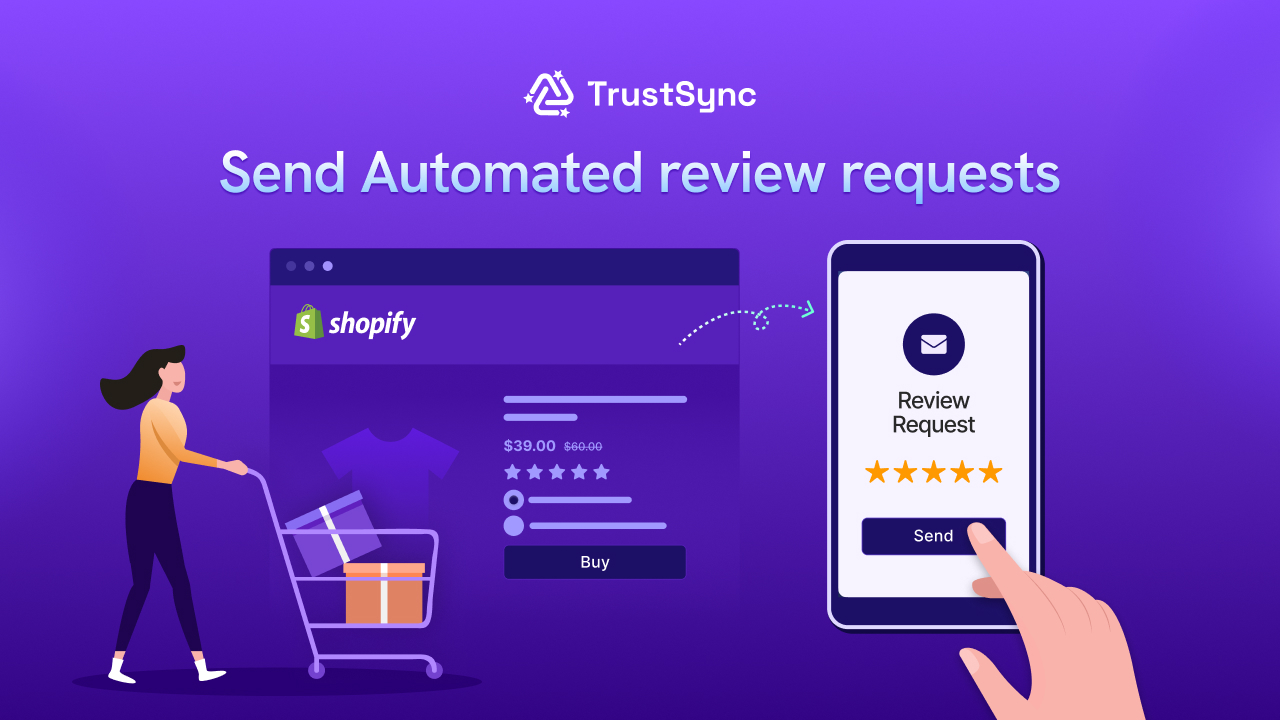
i. Nail your timing. The sweet spot for review request timing on Shopify is 3–7 days post-delivery. Too early and the product hasn’t been properly used. Too late and the excitement has faded. Get this right and your response rates will reflect it.
ii. Keep it short. Nobody reads a wall of text in a Shopify customer review email. One genuine thank you, one clear ask, one CTA. Attention spans average around 40 seconds for emails. So you need to write accordingly.
iii. Always use the customer’s name. Personalization through dynamic placeholders like [First Name] and [product name] makes your branded review request email feel human rather than automated and consistently improves open and click-through rates.
iv. Send from your domain. Emails from yourstore.com look far more trustworthy than those from a generic app address. This also significantly reduces the chance of landing in spam. It is a critical factor in maintaining healthy Shopify email open rates.
v. Ask for honest feedback, not positive reviews. Asking specifically for a “positive” review can violate platform terms and feel manipulative. Ask for an “honest” opinion instead. A mix of authentic reviews (including the occasional balanced one) builds more Shopify store credibility than a suspiciously perfect five-star average.
vi. Follow up once, and only once. A single follow-up to non-responders is perfectly acceptable. Anything beyond that risks being flagged as spam and damaging your sender reputation.
vii. Segment your sends. Segmented email campaigns consistently outperform generic broadcasts. Separate your recent buyers from your long-term customers, and tailor the tone of each Shopify review request email template accordingly. Segmented emails achieve 46% higher open rates and 129% better click-through rates compared to non-segmented sends.
The Compounding Effect of Social Proof
Here is the thing about building social proof on Shopify: it compounds.
Every review you collect today makes it easier to close the next sale. That sale produces the next happy customer. That customer generates the next review. And slowly, your store becomes the one with 300 recent, authentic reviews while your competitor is still manually chasing their first ten.
Stores with consistent review pipelines do not just look more trustworthy. They rank higher in local and organic search. They convert better on product pages. They win customers that less-reviewed competitors are losing every single day.
And with the right Shopify email templates, the right automation tool, and the right timing, all of it runs on autopilot.
Start Building Social Proof Today
You do not need hundreds of reviews overnight. You need a system that works consistently, quietly, and automatically collects user-generated content on Shopify from every happy customer you already have.
Set up your Shopify review request email templates. Automate the process with TrustSync. And watch your store’s credibility, conversion rate, and search visibility grow.
Subscribe to our blog for more actionable insights and strategies to grow your Shopify store sustainably.
FAQs (Frequently Asked Questions)
1. What is TrustSync and how does it help collect Shopify reviews?
TrustSync is an automated review collection tool for Shopify that sends post-purchase review request emails to your customers. It helps you consistently collect reviews without manual effort, turning every completed order into an opportunity to build social proof.
2. How does TrustSync automate review request emails on Shopify?
TrustSync automatically triggers review request emails after an order is fulfilled. You can set timing, customize email templates, and let the system handle everything. It ensures that no customer is missed in your review collection process.
3. Can TrustSync collect reviews from multiple platforms?
Yes, TrustSync supports 25+ platforms, including Google, Trustpilot, Facebook, Yelp, and more. This allows you to build social proof across multiple channels instead of relying on just one platform.
4. How does TrustSync handle negative reviews?
TrustSync includes a negative review filtering feature that redirects low ratings (1–3 stars) to a private feedback channel instead of publishing them. This helps you resolve issues first and protect your brand reputation.
5. Can I customize review request emails in TrustSync?
Absolutely. TrustSync lets you fully customize your email templates with your brand logo, colors, subject lines, and dynamic fields like customer name or product name. You can also send emails from your own domain to improve trust and deliverability.